October 8th, 2025
New
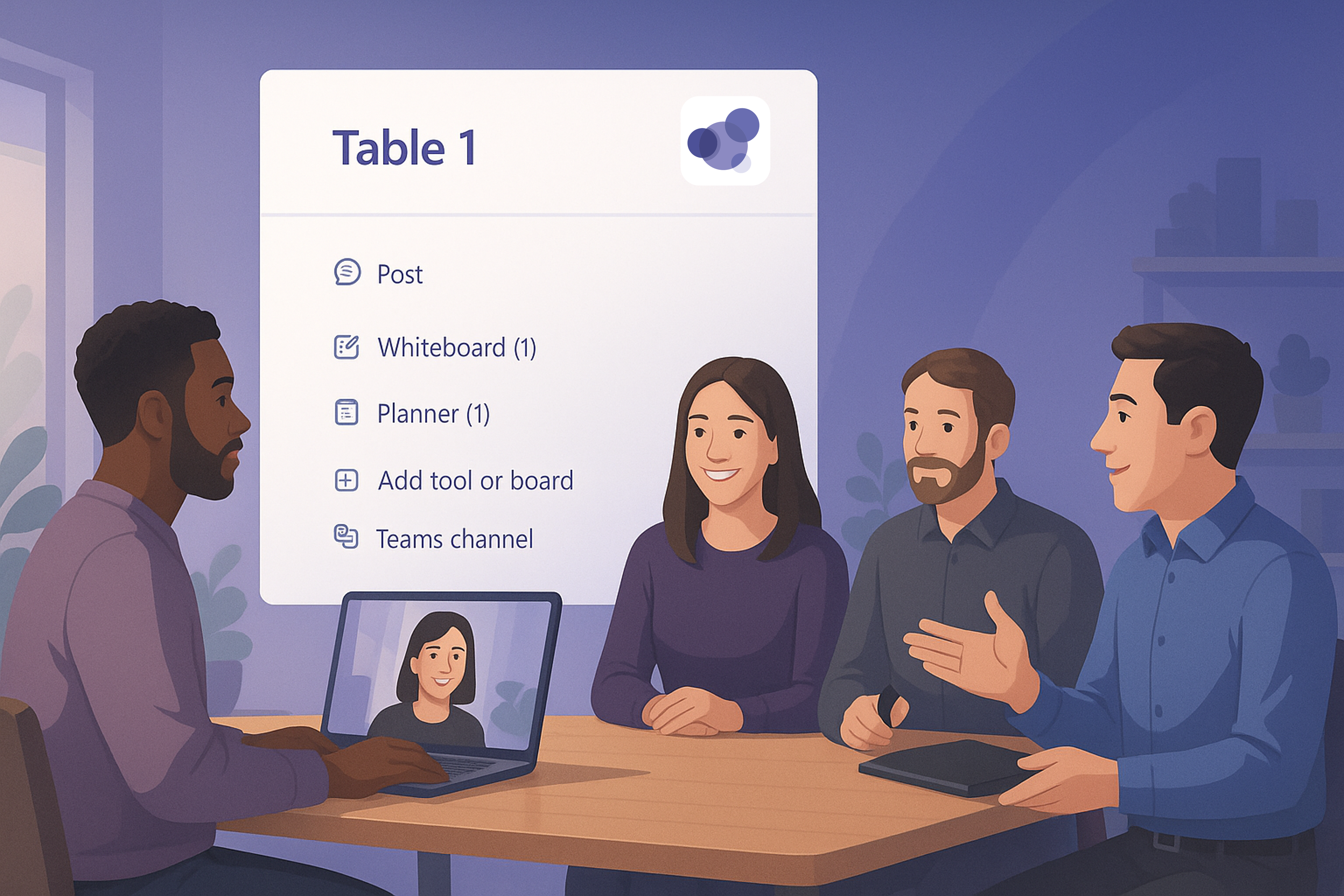
BeZoned meeting panel for Teams Meetings
The BeZoned meeting panel is now available in regular Teams meetings - even if the meeting is not started through BeZoned (e.g., via a Room meeting).
This means that during a Microsoft Teams meeting, you can connect directly to any table or room in a BeZoned office that you normally only have access to through BeZoned.
Adding the BeZoned panel app is private and only applies to you and the specific meeting. Others cannot see it and do not have access to the content.
How to Add the BeZoned Panel
In your Teams meeting, click the Add apps button in the top meeting panel.
Search for BeZoned and select the BeZoned icon.
A window will open, allowing you to choose the office and the specific table or room you want to connect to.
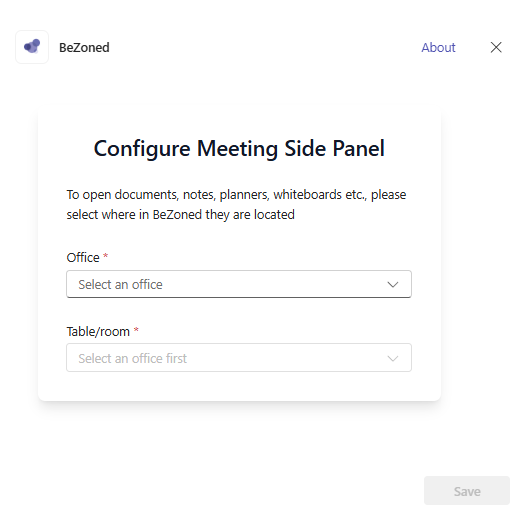
Pick the office and table/room and click Save. Now you should now see the BeZoned panel to the right side.
If you would like to change the office and table/room, then click the […] button and settings in the BeZoned Pannel upper right-hand side.
To learn more about BeZoned and upcoming activities you can go to the BeZoned web site.